GPU Computing: The Engine Behind Modern Graphics, Simulation, and AI Workloads

With decades in computer graphics, I decode complex GPU computing and visualization for all tech enthusiasts and professionals.
GPU computing has moved far beyond gaming. Today, it powers real-time rendering, ray tracing, scientific visualization, machine learning, and simulation at scales that would make a CPU sweat. Let’s put that into perspective: a CPU is great at doing a few complex tasks very well, while a GPU is built to do many similar tasks at the same time.
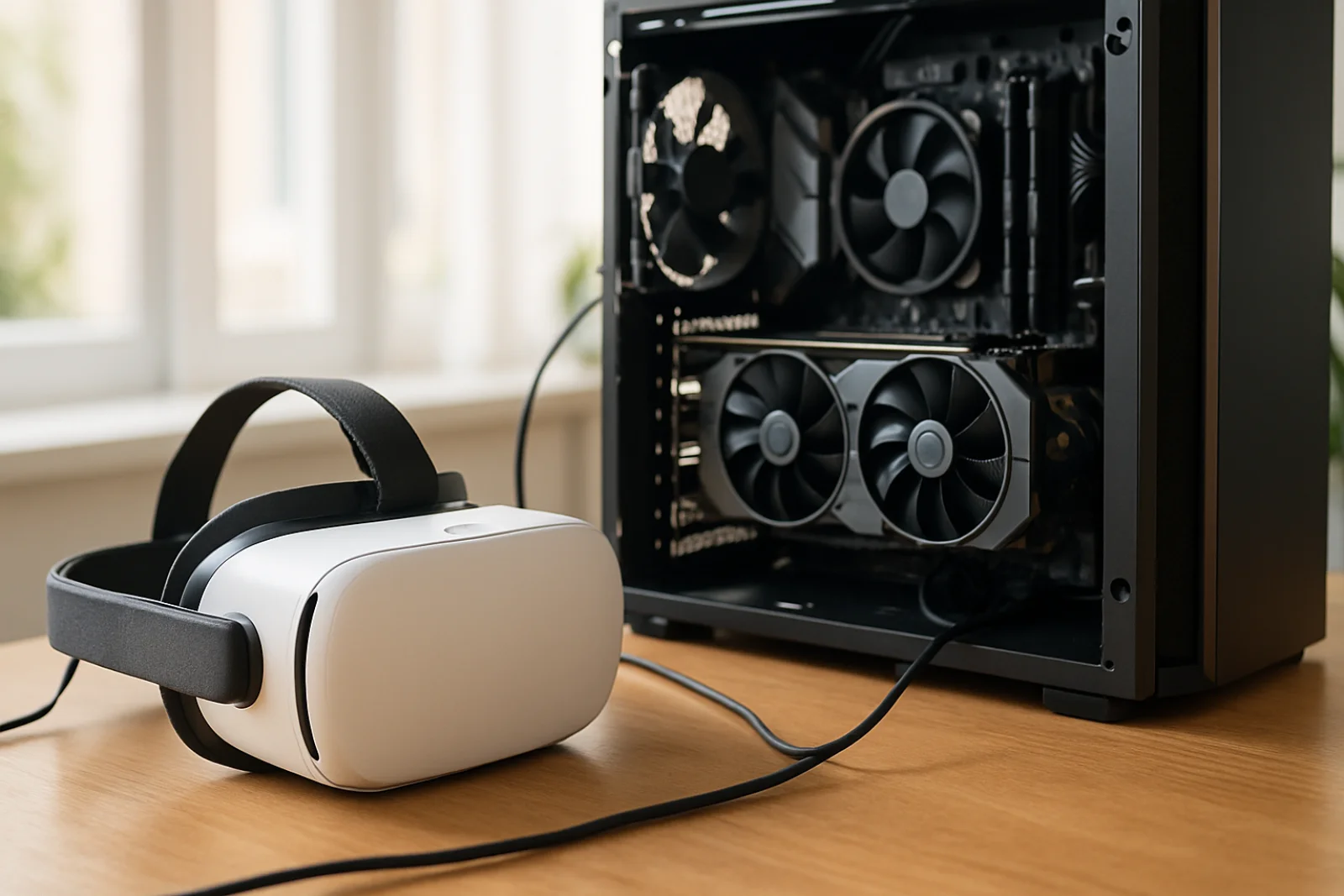
What Is GPU Computing?
GPU computing means using the graphics processor for general-purpose workloads, not just drawing images. This may sound complex, but it’s manageable. The key idea is parallelism.
A GPU contains many smaller processing cores designed to work together. Instead of handling one task after another, it can process thousands of threads in parallel. That makes it ideal for workloads like:
3D rendering
Ray tracing
Image processing
Physics simulation
Data analysis
Scientific visualization
A closer look shows what matters most: if a task can be split into many similar pieces, a GPU often shines.
Why GPUs Are So Fast
Here’s where the numbers tell the story. Modern GPUs are optimized for throughput, not just single-task speed. They use high memory bandwidth and massive parallel execution to move and process data quickly.
In real-world terms, here’s how it plays out. Imagine rendering a city scene with millions of triangles. A CPU may handle the scene step by step, while a GPU can process many pixels, vertices, or rays at once. That’s why GPUs are the backbone of modern game engines and visualization tools.
GPU Computing in Real Workflows
GPU computing is not just for graphics professionals. It’s used across industries:
1. Real-Time Rendering
Game engines and virtual production systems rely on GPUs to draw complex scenes at interactive frame rates. Techniques like shading, texture mapping, and post-processing are all accelerated by the GPU.
2. Ray Tracing
Ray tracing simulates how light behaves in a scene by tracing rays as they bounce, reflect, and refract. GPUs make this practical in real time by handling huge numbers of rays in parallel.
3. Scientific Visualization
Researchers use GPUs to render large datasets from medicine, geology, and fluid dynamics. A 3D scan or simulation can be explored interactively instead of waiting for a long offline render.
4. Simulation and AI
Many simulation codes and AI workloads also benefit from GPU acceleration. Matrix operations, particle systems, and neural network training all map well to parallel hardware.
CPU vs GPU: A Simple View
Think of the CPU as a master chef and the GPU as a fast kitchen brigade. The CPU makes decisions, controls logic, and handles diverse tasks. The GPU takes on repetitive, data-heavy work.
That division is why modern systems use both. The CPU manages the application, while the GPU accelerates the heavy lifting.
Hardware Evolution Matters
GPUs have evolved from fixed-function graphics chips into flexible parallel processors. Early GPUs mostly handled drawing triangles and pixels. Modern GPUs support programmable shaders, compute APIs, ray-tracing hardware, and advanced memory systems.
Readers should consult vendor documentation before implementing hardware-specific advice. Performance varies by hardware and use case.
Getting Started
If you are exploring GPU computing, start with a common framework such as CUDA, OpenCL, Vulkan compute, or DirectX compute shaders. For graphics work, modern engines and APIs already expose many GPU features.
A practical first step is simple: identify a workload with lots of parallel work, test GPU acceleration, and measure the result. That’s often the fastest way to learn where GPU computing helps most.
Conclusion
GPU computing is now a core part of modern technology, from ray tracing and visualization to simulation and AI. If your work involves large parallel workloads, a GPU may be the difference between waiting and iterating in real time. Content reflects professional experience and publicly available research. Readers should consult vendor documentation before implementing hardware-specific advice. Performance varies by hardware and use case.
Loading…