

WhatsApp CRM Integration: Customer Conversations and Follow-Up in One Workflow
A CRM for WhatsApp Business links each WhatsApp conversation to a customer record, so your team sees the full message history, knows who is responsible for the customer, and schedules the next step without copying chats by hand. A reliable integration runs on the official WhatsApp Business Platform (the Cloud API), not on the WhatsApp Business phone app or browser extensions. Before you connect anything, check the 2026 rules: Meta charges per delivered message, free-form replies are allowed only within 24 hours of the customer's last message, and anything later needs an approved template.
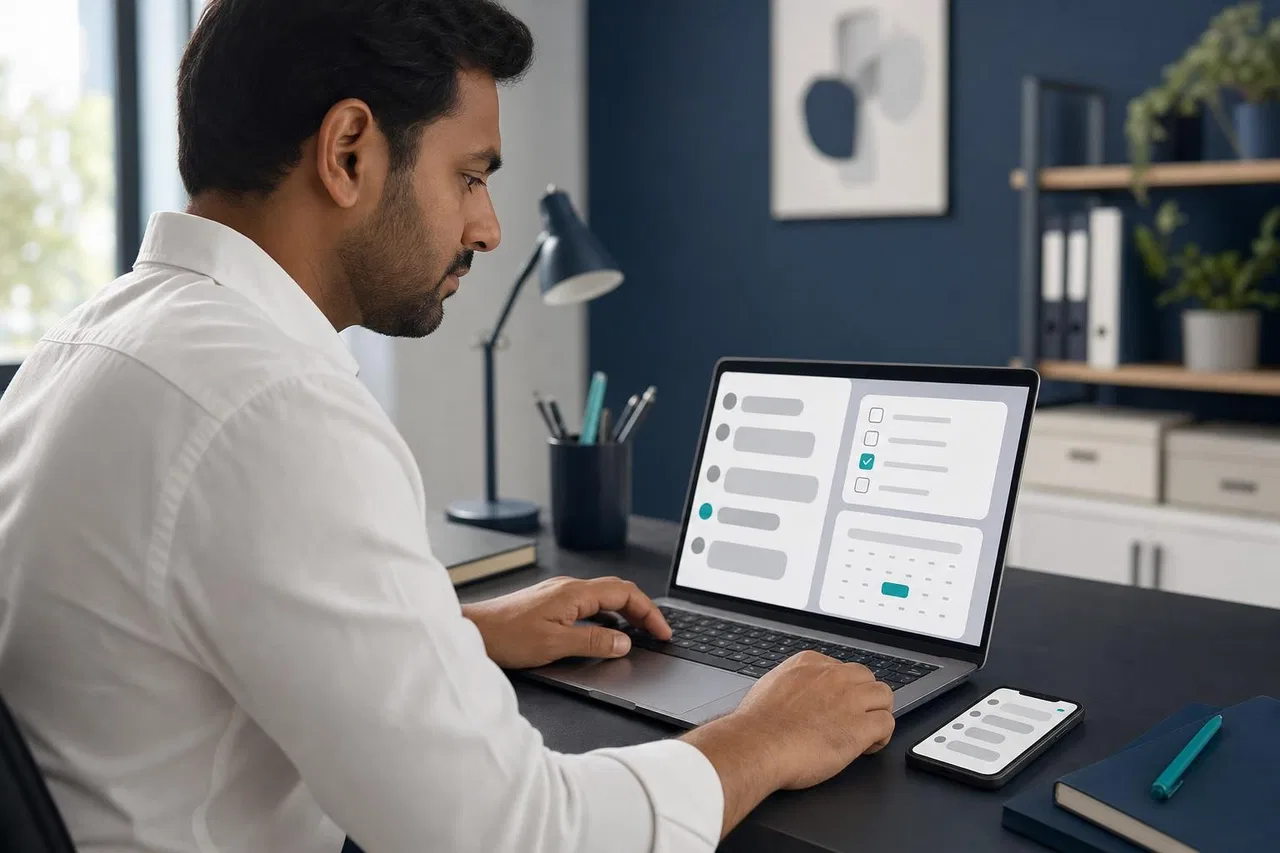
This guide explains what the integration should give you, the three ways businesses connect WhatsApp to a CRM, the current platform rules and costs, and the questions to ask before you choose a tool.
What a WhatsApp CRM integration should give you
People search for "CRM on WhatsApp" because the same problems keep happening: a customer's history lives on one manager's phone, nobody knows who promised what, and follow-ups depend on someone's memory. A good integration fixes three things.
History. Every message, file and voice note with the customer is stored with that customer, not on a device. When a manager is on vacation, a colleague reads the thread and continues.
Responsibility. Each conversation and each customer has a visible owner. Handing over is an action in the system, not a forwarded screenshot.
Next actions. The conversation leads to something trackable: a deal stage, a task with a due date, a reminder to follow up, an order status update sent automatically.
If a tool only shows WhatsApp messages next to a contact card but can't assign, hand over or trigger follow-up, it's a viewer, not an integration.
Three ways to connect WhatsApp to a CRM
1. The WhatsApp Business app with manual logging
The free WhatsApp Business app gives you a business profile, labels, quick replies and catalogs. It's fine for one or two people. The "integration" is manual: someone copies key facts into the CRM. There's no shared queue, no API, and the history stays on the phone and its linked devices.
2. Browser extensions on WhatsApp Web
Many "WhatsApp Web CRM" tools are browser extensions that read and automate the WhatsApp Web page. They are easy to install, but they work outside the official platform. WhatsApp's Terms of Service prohibit accessing or using the service "through automated or other means" in unauthorized ways, and list "bulk messaging, auto-messaging, auto-dialing, and the like" among impermissible communications. Teams that rely on such tools risk their number being restricted, often with little warning.
3. The WhatsApp Business Platform (Cloud API)
The official route. Your number is registered on Meta's Cloud API, either through your own Meta app or through a business solution provider. Messages reach your CRM or inbox through webhooks, replies go out through the API, and several people can work on the same number at once. This is what a "CRM WhatsApp Business API" integration means in practice.
Since 2025, Meta also offers coexistence: onboarding a number that keeps working in the WhatsApp Business app while it is connected to the Cloud API. According to Meta's developer documentation, coexistence syncs up to 180 days of earlier chats (not group chats) if the business agrees, disables broadcast lists and some message types in the app, and fixes throughput at 20 messages per second. Not every platform supports it, so ask.
Business app + manual logging | WhatsApp Web extensions | Cloud API integration | |
|---|---|---|---|
Official and supported | Yes, for the app itself | No | Yes |
Several agents on one number | Limited to linked devices | Usually one browser session | Yes |
History stored with the customer record | Only what you copy | Depends on the tool | Yes |
Assignment and handover | No | Rarely | Yes |
Automated follow-up | No | Against WhatsApp terms | Yes, with templates |
Messages after 24 hours | Allowed in the app | Same as app | Only approved templates |
Cost | Free app | Tool subscription | Meta's per-message fees plus the tool |
Main risk | Lost history, no oversight | Number restrictions | Setup effort and template rules |
The 2026 rules a CRM integration must respect
Per-message pricing
Meta moved the WhatsApp Business Platform from conversation-based to per-message pricing on July 1, 2025. Per Meta's pricing documentation, you pay for delivered template messages in the marketing, utility and authentication categories, with rates by the recipient's country. Two changes took effect on October 1, 2026, according to Meta's pricing updates page:
service messages (free-form replies within the customer service window) are charged after a free tier of 1,000 per business phone number per month;
utility templates sent inside an open customer service window, free since July 2025, are charged again.
Meta can change prices only on the first day of a quarter. For CRM planning, this means automated follow-ups cost money per message, and long chatty threads on busy numbers can now cost money too. Ask your provider whether Meta bills you directly or the provider resells messages with a markup.
The 24-hour customer service window
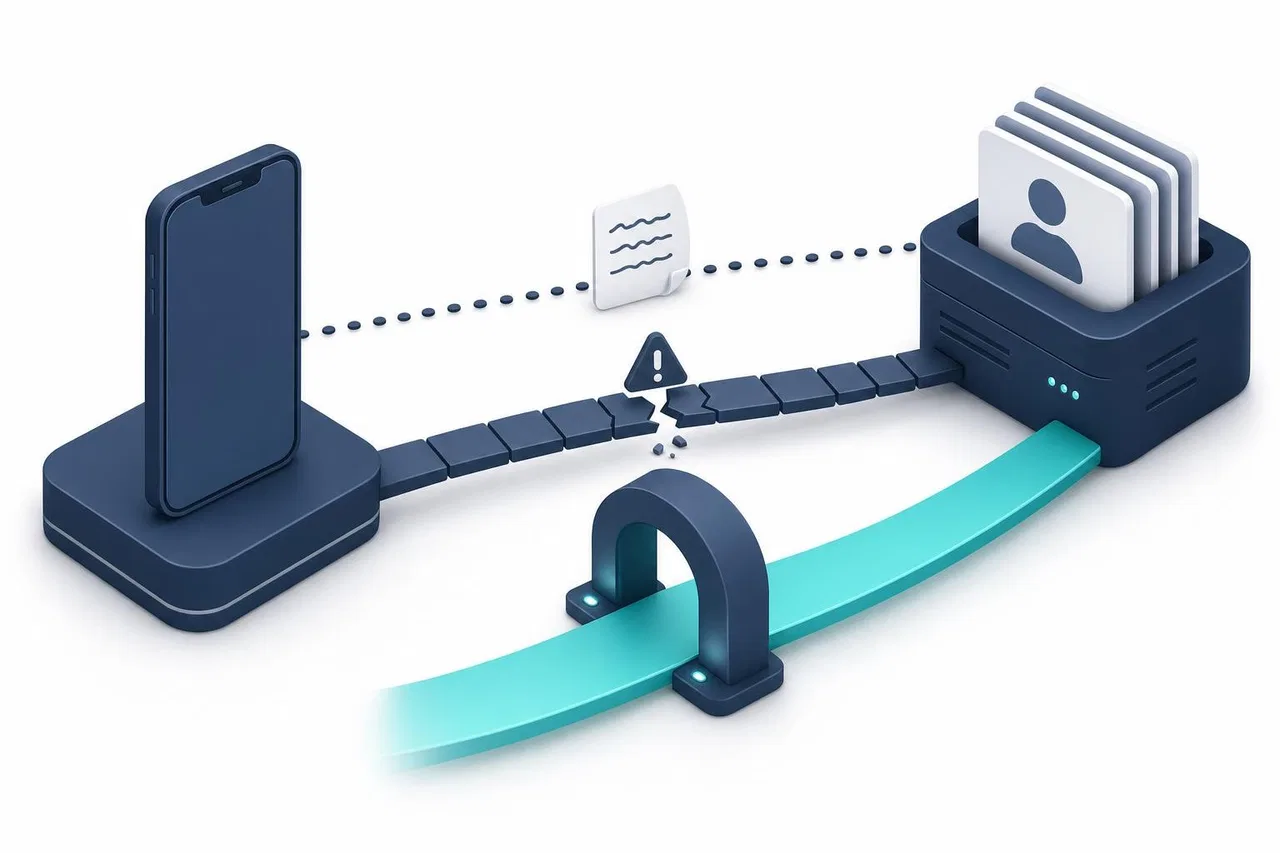
When a customer messages you, a 24-hour window opens and resets with each new customer message. Inside it you can send free-form replies. Outside it, only an approved template can be sent. A CRM that schedules a follow-up for "in three days" must use a template, not a regular message, or the message will be rejected.
Templates and opt-in
Templates are pre-approved messages in a category (marketing, utility or authentication) with variables like {{1}}. Meta reviews them, usually within minutes to a day, and can pause templates that get poor feedback. Customers must have agreed to receive messages from you. Your CRM should know which templates exist, which are approved and which customers have opted in.
AI in WhatsApp
If your CRM adds an AI assistant to WhatsApp, note that Meta's terms bar AI providers from using the platform when the AI itself is the main product, while business customer-service bots remain allowed. More in WhatsApp AI Chatbots.
What the integration should sync
Data | Direction | What to check |
|---|---|---|
Phone number and name | WhatsApp to CRM | Matching rules for an existing contact; what happens when the name changes |
Messages, files, voice notes | WhatsApp to CRM | Whether media is stored, size limits, retention |
Owner and status | Both | Can an assignment in one tool be seen in the other? |
Notes | Internal | Visible to the team only, never sent to the customer |
Deal or order events | CRM to WhatsApp | Which events trigger a message, which template is used outside 24 hours |
Opt-in | Both | Where consent is stored and how opt-out is handled |
Delivery status | WhatsApp to CRM | Sent, delivered, read, failed, with the reason |
Questions to check before you integrate
Does the tool use the official Cloud API? Through your own Meta app or the provider's?
Is coexistence with the WhatsApp Business app supported, or must the number leave the app?
Who bills Meta's message fees: Meta directly, or the provider with a markup?
Can several agents answer from one number, with assignment and handover?
Does the agent see whether the 24-hour window is open?
Can templates be sent from the conversation? Are templates with images, documents or button variables supported?
Can CRM events (order paid, shipment sent, form submitted) send a WhatsApp message automatically?
How are contacts matched: by phone number, by your customer ID, or both?
What happens to history if you disconnect the number or change tools?
Are WhatsApp calls supported, and who answers them?
Is there a per-seat fee, a per-conversation fee, or both?
Practical setup: from first message to follow-up
Prepare the number. Use a number that isn't active in the regular WhatsApp app (unless you use coexistence), and verify your Meta business portfolio, or the number stays in test mode with a limit on recipients.
Connect it to the Cloud API through your Meta app or provider, and set up the webhook that delivers messages to your inbox or CRM.
Decide where conversations live. Usually a shared inbox handles conversations, and the CRM holds the customer, deals and tasks. Decide which tool is the source of truth for the owner.
Create your first templates. At least an order or appointment confirmation (utility) and a "we tried to reach you" follow-up for conversations outside 24 hours.
Define follow-up rules. For example: if the customer hasn't replied in 24 hours, send a reminder template; when an order ships, send a status template.
Train the team on the window. Agents should know why a reply fails after 24 hours and how to send a template instead.
Measure cost and response time after the first month, per message category.
How Sensever connects WhatsApp conversations and follow-up
Sensever connects WhatsApp to a project's Requests, the shared customer inbox. The details are from the WhatsApp connection guide, the messaging channels guide and the widget and events guide.
Official connection. Your business number is registered on Meta's Cloud API through your own Meta app. In Sensever you paste the Phone number ID, a permanent system-user token, the App secret, the two-step verification PIN and, optionally, the WhatsApp Business Account ID. Sensever registers the number and subscribes your app; the token and secret are stored encrypted.
History and ownership. Each customer's WhatsApp messages go into that customer's request: text, photos, videos, documents, voice messages, locations, contacts, button replies and reactions. Read receipts work both ways. The request has an assignee, a status, a department and internal notes. Assignment can be manual, least-busy or round-robin.
The 24-hour window in the conversation. After the window closes, a reply shows "Not sent" with a "Send template" link. The template window shows whether the reply window is open and until when; you choose an approved template, fill in its variables and send it from the request.
Templates overview. The channel settings list all of the account's templates with language, category, text and status (Approved, Awaiting review, Rejected with Meta's reason, Paused, Disabled), and link to WhatsApp Manager to create new ones.
Follow-up automation. Auto-messages include a "Customer hasn't replied" trigger (after N hours) and "Request closed". Your CRM or shop can send an event to Sensever through the events API or an incoming webhook, for example
order.paid. The person can be found by a WhatsApp contact of the project with the same phone number, and an auto-message with the "Event from your system" trigger answers in their request. Outside the 24-hour window, the message goes as the approved template chosen in the auto-message; without a template, delivery is skipped and the reason is shown.Live CRM data for the AI assistant. If you turn on the project's AI assistant, data connectors let it read live data, such as an order status, from your CRM's API. Connectors only read data, and the model never sees your API key. See Data connectors.
Calls. Customers can call your number from WhatsApp, and the call rings for everyone who can reply in the request, if the calls webhook field and the WhatsApp Business Account ID are set and Meta's requirements for the number are met.
Tasks and deals. Flow is Sensever's tool for tasks, deals and contacts with your own fields, boards and automations. A request and a Flow item aren't linked automatically; your team creates the follow-up task, or a developer connects the two through the Flow API.
Limits to know: coexistence with the WhatsApp Business app isn't supported yet, so a number on the Cloud API can't be used in the app at the same time. Templates with an image, video or document header, or with variables in buttons, can't be sent from a request yet. One number can be connected to one project. Meta bills its message fees to you directly; Sensever isn't involved in those payments. Sensever's own price, per the landing page, is $9 per month for each additional member who answers customers (the owner is free).

FAQ
What is the best CRM for WhatsApp Business?
The one that connects through the official Cloud API, supports several agents on one number, shows the 24-hour window and sends templates from the conversation, and fits your existing CRM or task tool. Test it with your real follow-up scenarios before committing.
Can I connect the WhatsApp Business app to a CRM?
Not through an official API. The app has no integration interface; tools that automate WhatsApp Web work outside WhatsApp's terms. For a real integration, use the Cloud API, or coexistence if your provider supports it.
How much does WhatsApp cost with a CRM in 2026?
Meta charges per delivered template message, and since October 1, 2026, for service messages beyond 1,000 free per number per month. Rates depend on the recipient's country. Your CRM or inbox fees come on top.
Why does my follow-up message fail after a day?
Because the 24-hour customer service window closed. Outside it, WhatsApp only delivers approved templates.
Should conversations live in the CRM or in an inbox?
Many teams keep conversations in a shared inbox and deals and tasks in the CRM, with events passing between them. Read CRM for Small Business and Sales CRM and Lead Management.
Is WhatsApp Web CRM safe to use?
Extensions that automate WhatsApp Web aren't part of the official platform, and WhatsApp's terms prohibit unauthorized automated use. For business-critical communication, the Cloud API is the safer choice.
Conclusion
A working WhatsApp CRM integration gives every conversation a home, an owner and a next step. Use the official Cloud API, decide which tool owns the conversation and which owns the deal, prepare templates for follow-ups outside 24 hours, and budget for Meta's per-message pricing, including the October 2026 changes. Then test the whole path, from first message to automated follow-up, with a real customer scenario. For the bigger picture, see Omnichannel Messaging.

Kommentare