

CRM and Task Management: Keeping Customer Work in One Place
CRM task management means every piece of customer work is a task linked to the customer or deal it belongs to: a call, a proposal, a delivery step. Each task has one owner and a due date. A CRM is enough for that while the work is short and tied to a single deal. Bring in project management features, or a separate tool, when work after the sale has many steps, dependencies, several people and its own timeline.
This guide explains how customer records, deals, tasks and due dates fit together. It covers how to organize them day to day and how to decide between "CRM only", "CRM with project features" and "two separate tools".

Why customer work scatters
In most small companies, customer work lives in five places at once. The deal is in the CRM, the follow-up is a sticky note, and the delivery plan is in a project tool. The customer's latest question sits in WhatsApp, and the agreement is buried in an email thread. Each place is fine on its own. Together they produce the classic failures: a promised call nobody made, a delivery that started before the contract was signed, a colleague who can't find what the customer was told.
App switching has a measurable cost. A Lokalise survey of 1,000 US knowledge workers (published September 2025) found that people switch between tabs, apps or platforms about 33 times a day. 22% lose two or more hours a week to tool fatigue, and 79% say their company hasn't taken steps to consolidate platforms. Tool consolidation is one of the most discussed topics in business software right now, alongside the "agentic" CRM features vendors promote.
The fix isn't necessarily one tool for everything. It's one place where you can see every open commitment to a customer, with an owner and a date.
How the pieces connect
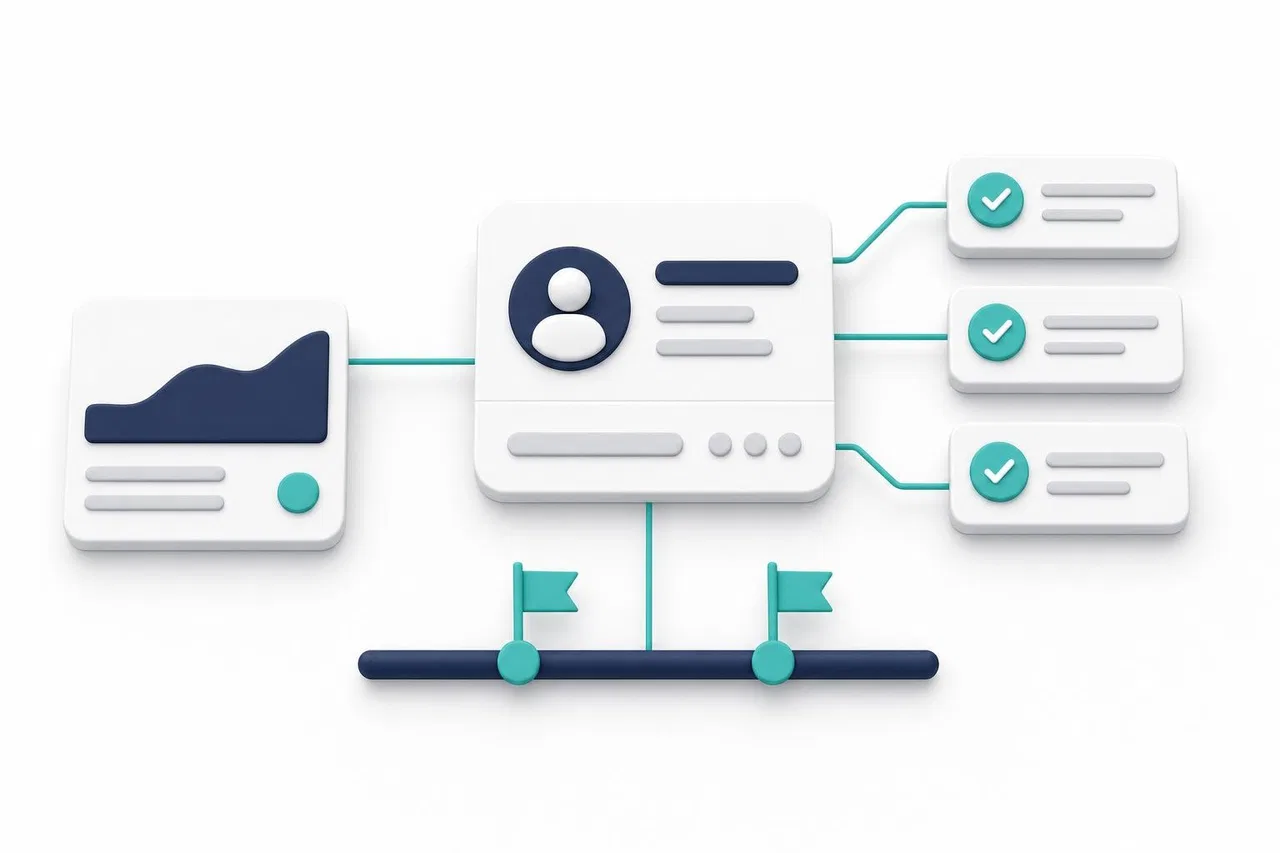
Think of customer work as four linked layers:
Layer | What it is | Example | Key fields |
|---|---|---|---|
Customer record | The company or person | Northwind Studio, Anna Lee | Owner, contact details, source |
Deal | A potential or active sale | Website redesign, $12,000 | Stage, amount, expected close date |
Task or activity | A single action with a date | Call Anna about scope, Thursday 10:00 | Owner, due date, status, link to deal |
Project | A multi-step piece of work after the sale | Redesign delivery: 6 weeks, 3 people | Milestones, tasks, dependencies, timeline |
The links matter more than the layers. A task without a link to a customer or deal is a note. A deal without tasks is a hope. A project that isn't linked to the deal it came from loses the context: what was sold, what was promised, who the contact is.
The rules that keep it working
Every customer-facing task links to a customer or deal. From the customer record you should see everything open for them.
One owner per task. Shared tasks belong to nobody. Add watchers if others need to follow.
Every task has a due date. Without a date, a task never becomes overdue and never surfaces.
Every open deal has at least one open task. That is your "next step".
Conversations stay attached. Discussion about a task happens on the task, not in a private chat that nobody else can find.
Types of tasks around a customer
Different tasks need different handling, so it helps to name them.
Sales activities: calls, meetings, demos, sending a proposal. Short, tied to a deal, usually with a time of day.
Follow-ups: "check in if no reply by Friday". Often created by rules or reminders.
Internal tasks for a customer: prepare a quote, get a discount approved, check stock. Owned by someone other than the salesperson.
Delivery tasks: the work you were paid for. Often several people, dependencies and a schedule.
Recurring account work: quarterly reviews, monthly reports, renewal reminders.
The first three fit comfortably in a CRM. Delivery tasks are where the question "do we need a project tool?" begins.
When a CRM is enough, and when it isn't
Situation | CRM tasks are enough | Add project management features or a separate tool |
|---|---|---|
Work after the sale | A handoff and a few steps | Multi-week delivery with phases and milestones |
People involved | The account owner, maybe one helper | Several roles: designers, engineers, contractors |
Dependencies | Tasks are independent | "B can't start until A is done" matters |
Planning | Due dates are enough | You need a timeline, workload view or sprints |
Time | Not tracked | Time per task or per client is billed or analyzed |
Who needs access | Sales and account managers | External contractors, the customer's own team |
Volume | Dozens of open tasks per person | Hundreds of tasks per project |
If most of your answers fall in the left column, keep everything in the CRM and resist adding a second tool. If several fall in the right column, you have two options:
A CRM with project features, where projects, tasks with subtasks, dependencies and timelines live next to deals and can link to them directly. One database, one access model, no sync.
Two specialized tools connected by an integration. This gives each team its favorite tool, but you pay twice. You also own a sync that can break, and you have to decide which system is the source of truth for dates and status.
A common middle ground: sales activities in the CRM, and a project created automatically when a deal is won, in the same system if possible.
Organizing tasks day to day
For each person
One list of "my work" across all customers and projects, sorted by due date, with overdue items on top.
A short daily review: overdue first, then today, then anything newly assigned.
Calendar visibility: due dates for calls and meetings in the same calendar as other appointments.
For the team lead
Overdue tasks by owner, reviewed weekly, not to blame people but to see who is overloaded.
Open deals without a next task. This list is short and very valuable.
Projects at risk: milestones close to their dates with many open tasks.
Conventions that save time
Start task names with a verb: "Send revised quote", not "Quote".
Keep the "why" in the task description, and the decision in a comment.
Use checklists for small steps inside one task instead of creating ten tiny tasks.
Use recurring tasks for regular account work instead of re-creating them by hand.
Close tasks when they are done, the same day. A list full of finished but open tasks is noise.
Common mistakes
Tasks in chat. "Can you send them the contract?" in a group chat is a task with no owner, no date and no link. Turn it into a task.
Personal to-do apps for customer work. When the person is sick or leaves, their commitments disappear with them.
Too many statuses. Tasks need few: to do, in progress, done, canceled. Put detail in deals and projects, not in task statuses.
Separate tools with no links. If the project tool can't show which deal a project came from, people will ask sales the same questions over and over.
Automating before organizing. Rules multiply whatever structure you have, good or bad. Organize first, then automate (see CRM Workflow Automation).
How Sensever helps
Sensever's Flow section keeps customers, deals, tasks and projects as linked objects in one workspace. Customer conversations live in the Requests section of the same account.
Customers, deals and activities together. A workspace created from the "CRM" template has Companies, Contacts, Deals, Activities (with a type, a due date and time, and notes) and Projects linked to deals. Views include "Pipeline", "My deals" and an "Activity calendar". When a deal is won, a built-in rule creates a linked "Onboarding" project and notifies the people involved. Details: Flow: workspaces and templates.
Project features when you need them. The "Tasks" template and the task presets add projects, milestones, subtasks, checklists and "Blocked by"/"Blocks" relations. They also bring rules such as "a task with open subtasks cannot be completed", plus a timeline and a burndown chart. Any object type can be shown as a table, board, calendar or timeline. You can add your own relation types, so a task type can link to Deals. Details: Flow: object types and fields and Flow: timeline.
One list of "my work". In "All workspaces" mode, "By section" gathers your open tasks from all workspaces into "Recently assigned", "Today", "This week", "Later" and your own sections, and tasks due today or overdue appear in "Today" automatically. This list includes task-type objects, not CRM deals and activities; for those, use the "My deals" view and the activity calendar. Details: Flow: all workspaces.
Due dates where you look anyway. An optional daily email digest lists your overdue items, items due today and new assignments. A calendar subscription shows your Flow due dates in Google Calendar, Apple Calendar or Outlook; the subscription is read-only. Details: Flow: email and calendar subscription.
Discussion on the task. Every object card has a "Comments" block, which is a conversation in Sensever chat tied to that object. @mentions notify colleagues who can see it, and people who lose access are removed from the discussion. The card also holds files, history, time tracking and recurrence. Details: Flow: the object card.
What to know. Data from different Flow workspaces never mixes, so relations work within one workspace. If you want projects linked to deals, keep them in the same workspace and control visibility with roles. Customer conversations in Requests aren't linked to Flow objects automatically; paste a link or connect them through the Flow API.
Pricing. Flow is free for one person; each additional member who can edit data costs $5 per month, and watchers who only view are free. See sensever.com for current prices.
FAQ
What is CRM task management?
It is managing customer-related work as tasks inside the CRM, each linked to a customer or deal, with one owner and a due date. The customer record then shows every open commitment.
Can a CRM replace a project management tool?
For short, deal-related work, yes. When delivery has phases, dependencies, several roles and a timeline, you need project features: either inside the CRM or in a separate tool linked to it.
Should sales activities and delivery tasks live in the same system?
If the system supports both well, yes, because links between deal and project stay intact and nobody has to sync data. If delivery teams need a specialized tool, connect it to the CRM and decide which system owns dates and status.
How do I make sure every deal has a next step?
Make it a rule: an open deal must have at least one open task or activity with a due date. Review a list of deals without one every week, and use reminders before close dates.
Where should discussions about a customer task happen?
On the task itself, so the context stays with the work and anyone who takes over can read it. Avoid deciding things in private chats that the rest of the team can't see.
Conclusion
Keeping customer work in one place doesn't require one giant tool. It requires that every commitment to a customer is a task linked to that customer or deal, with an owner and a date, visible in each person's daily list. Start with tasks inside your CRM. Add project features when delivery becomes multi-step and multi-person. Choose a separate tool only when the gain clearly outweighs the cost of keeping two systems in sync.
Related reading: Flow CRM by Sensever: Organizing Tasks, Deals, and Team Work, CRM for Small Business: What You Actually Need, CRM Workflow Automation and CRM Implementation Plan.

Commenti