

CRM for Ecommerce: Managing Customers Beyond the Order
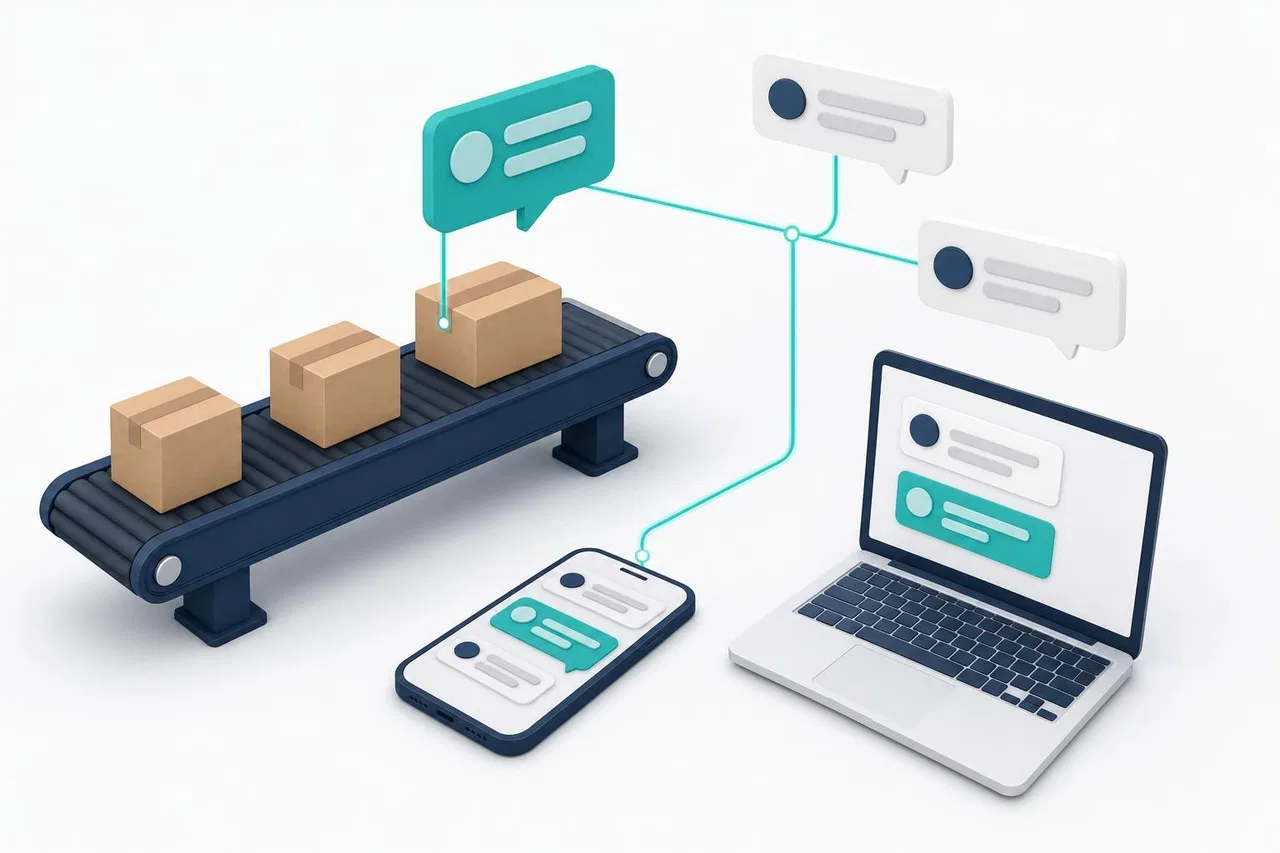
A CRM for ecommerce keeps everything a store knows about a customer in one place: the questions they asked before buying, their orders, delivery and return issues, and what they might buy next. It also gives the team one inbox for website chat and messengers. The store platform already records orders. The CRM adds what the store platform misses: conversations, ownership of open issues and handoffs between staff.
This guide is for online stores with a small support or sales team. It covers the four moments where customer work happens: before the purchase, after it, repeat sales and handoffs. It also shows how to bring messages from your site and messengers together.

What an ecommerce CRM does that your store platform doesn't
Your store platform knows the cart, the order, the payment and the shipment. What it usually doesn't know well:
The conversation. The question about sizing in Instagram Direct, the delivery complaint on WhatsApp, the chat that ended without a purchase.
Who is handling it. An open issue needs an owner and a status, not just an order number.
The history across channels. The same person wrote on the site last month and on WhatsApp today.
Context for the next sale. What they asked about, what they didn't buy, what went wrong last time.
You don't need to duplicate the order database in a CRM. You need the CRM to hold conversations and open issues, and to reach order data when someone asks about an order.
Moment 1: Questions before the purchase
Pre-purchase questions are the cheapest sales you will ever make: the person is on your site, wants to buy and needs one answer. Unanswered, they leave.
Baymard Institute's cart abandonment research (list last updated September 22, 2025) puts the average documented cart abandonment rate at 70.22%, based on 50 studies. Leaving aside shoppers who were "just browsing", the top reasons shoppers give are extra costs being too high (40%) and slow delivery (20%). Next come not trusting the site with card details (19%) and being forced to create an account (18%). Several of those are questions a quick answer can settle: "What's the shipping cost to Canada?", "Can I get it by Friday?", "Can I check out as a guest?"
What to prepare
A short, current set of answers on shipping costs, delivery times by region, returns, payment methods, sizing and stock. One source of truth that both people and any chat assistant use.
Chat on product and checkout pages, where questions actually arise.
The page the visitor wrote from. "Is this in stock?" is only answerable if you know which product page they were on.
Clear hours. If nobody answers at night, say when someone will, or let an assistant handle routine questions with a handoff in the morning.
Where AI fits
An AI assistant can answer routine pre-purchase questions instantly, from your own policies and price lists. It should hand off to a person for anything it can't answer from that content, such as custom orders, bulk discounts or complaints. In the EU, Article 50 of the AI Act has applied since August 2, 2026: shoppers must be told when they are talking to an AI system unless that is obvious, as Goodwin's summary explains. Name the assistant as an assistant.
Moment 2: After the order — delivery, changes, returns
After checkout, the questions change: "Where is my order?", "Can I change the address?", "It arrived damaged", "How do I return this?". Order-status questions are usually the biggest single group in an online store's inbox, and they are also the most repetitive.
Request type | Who should handle it | Data needed | Can it be automated? |
|---|---|---|---|
Where is my order? | Assistant or first-line agent | Order status, tracking link | Often yes, if the assistant can read order status |
Change address or item | Agent | Order status, whether it shipped | Partly: check status automatically, change by hand |
Damaged or wrong item | Agent, sometimes warehouse | Order, photos, item | No: needs judgment and a decision |
Return or refund | Agent, finance for refunds | Order, return policy, item condition | The policy answer yes; the decision no |
Invoice or tax question | Agent or finance | Order, billing data | Partly |
Complaint about service | Senior agent or owner | Full conversation history | No |
Two rules make post-purchase support manageable:
Every open issue has an owner and a status. A damaged-item case can't just be a chat thread; it needs to be tracked until the replacement ships.
Proactive beats reactive. A shipping update sent before the customer asks prevents a "where is my order?" message. Send it where the customer actually reads messages.
Messenger rules and costs
Many stores now handle post-purchase messages on WhatsApp. Its rules shape the workflow. Free-form replies are allowed only within 24 hours of the customer's last message; after that, the store must send a Meta-approved template. Costs changed recently as well. According to Meta's WhatsApp Business Platform pricing page (updated September 30, 2026), messages are billed per delivered message. Since October 1, 2026, utility messages such as order updates are charged even inside the customer service window, and service replies beyond 1,000 per business phone number per month are charged. If WhatsApp is your main support channel, budget for it and plan your templates.
Moment 3: Repeat sales and retention
Retention is where a CRM pays for itself in ecommerce. The ingredients are simple:
Remember what people asked about. A customer who asked about a refill, a bigger size or a matching item is a warm lead for that product.
Follow up after the first order. A short check-in after delivery ("Did it fit? Any questions?") catches problems early and invites the second order.
React to events, not calendars. "Order delivered", "cart abandoned" or "refill due" are better triggers than a blanket weekly newsletter.
Respect consent and channel rules. Marketing messages need consent, and in messengers they also need approved templates and cost money per message.
Close the loop after problems. A customer whose complaint was handled well is often more loyal than one who never had a problem. Write down the outcome so the next agent knows.
Moment 4: Handoffs between staff
In a small store, the same customer may talk to the owner, a support agent, the warehouse and an accountant. Handoffs fail when context stays in one person's head or phone.
Handoff checklist
One shared inbox, not personal messenger accounts.
Transfer the conversation itself, with its full history, instead of asking the customer to "write to our colleague".
Leave an internal note on transfer: what was promised, what's pending.
Route by topic: a "Returns" or "Wholesale" department with named people.
Agree who owns an issue when it crosses departments: usually the person who first took it, until it is resolved.

Bringing website chat and messengers together
Customers choose their channel; the store shouldn't force them to switch. A unified inbox needs to:
Collect every channel in one queue: website chat, WhatsApp, Instagram Direct, Telegram and any others you advertise.
Keep one conversation when a customer switches channels, for example from website chat to WhatsApp, so they don't repeat themselves.
Show the context: the product page they came from, the visit source, and any order data you can look up.
Route and assign automatically, so nothing waits unowned.
Respect each channel's rules: reply windows, templates, what can be edited or deleted.
Choosing an ecommerce CRM: criteria
Criterion | Questions to ask |
|---|---|
Channels | Which messengers connect natively? Does a switch between channels keep one conversation? |
Store data | Can agents or an assistant see order status? Through a native app, an API or a webhook? |
Routing | Departments, round-robin or least busy, availability, handoff to a colleague |
AI | Does it answer only from your content? Can you test it before going live? Does it hand off cleanly? |
Proactive messages | Can events from your store trigger messages? In which channels? |
Pricing | Per seat, per message, per AI usage? What do messenger fees add? |
Data | Where is data stored, how long is it kept, and can you export it? |
Run a one-week test with real scenarios: a pre-purchase question on a product page, a "where is my order?" message on WhatsApp, a return request transferred to a colleague, and a message outside the 24-hour window.
How Sensever helps
Sensever brings website chat and messengers into one inbox, Requests, with an optional AI assistant. Flow, its section for tasks and custom objects, can track issues that take longer than one conversation.
One inbox for site and messengers. A Sensever project connects a website widget and messaging channels: Telegram, MAX, WhatsApp (through Meta's Cloud API) and Instagram Direct. Agents reply from Requests, and replies reach the customer in the same messenger. If a customer starts in the website widget and switches to a messenger button, the conversation continues in the same request with the full history. Details: Project messaging channels.
Which product they asked about. In a website chat request, "Visitor and page history" shows the page of the first message and later navigation on your site. The "About the request" panel also shows the visit's source and UTM data. Details: Customer support: requests, team and routing.
Pre-purchase answers from your own data. The project AI assistant answers from your channels' articles, files and tables, such as a price list or delivery terms, and you check it in a test chat before going live. With data connectors, the assistant can read live data from your API, such as an order's status. Connectors are read-only, and the API key is never shown to the model. When an agent takes the request or replies, the assistant stops answering there. Details: Project AI assistant and Data connectors.
Handoffs. Requests can be routed automatically by workload or rotation, transferred to a colleague or a department such as "Returns", and annotated with internal notes the customer doesn't see. Channel access settings decide which departments or people handle each channel. Details: Channel access.
Events from your store. Your store or backend can send events such as order.paid to Sensever through the site events API or an incoming webhook. An auto-message with the "Event from your system" trigger then answers in the widget the next time the person opens the site, or in their request. On WhatsApp, outside the 24-hour window, such a message goes out only as the approved template chosen in the auto-message. Details: Sensever widget: installation and setup.
Tracking longer issues. For returns or claims that last days, you can create a custom Flow type, for example "Return", with your own statuses, fields, a due date reminder and an SLA per status. Details: Flow: object types and fields.
What to know. Sensever has no ready-made app for a specific store platform: order data reaches it through your API (data connectors) and events (API or webhook), which usually means some developer work. Requests and Flow objects aren't linked automatically. Sensever doesn't send bulk email or messenger campaigns.
Pricing. The project owner isn't charged; each additional project member who answers customers costs $9 per month. The AI assistant costs $19 per million tokens, and storage beyond the free 5 GB is $0.04 per GB per month. WhatsApp message fees are charged by Meta separately. Current prices are on sensever.com.
FAQ
What is a CRM for ecommerce?
It is a system that keeps customer conversations, open issues and customer history alongside the order data your store already has. It gives the team one inbox for all channels and a clear owner for every open question.
Do I need a CRM if my store platform already has a customer list?
If one person answers a handful of messages a day, maybe not. Once several people handle messages from several channels, you need shared ownership, handoffs and history, and a customer list doesn't provide those.
How do I handle "where is my order?" messages efficiently?
Send proactive shipping updates. Make sure agents, or an assistant connected to your order data, can look up the status instantly, and keep a short standard answer for delays.
Can an AI assistant handle ecommerce support?
It can handle routine questions about shipping, returns, sizes and order status if it answers from your own content and data. Exceptions, refunds and complaints should go to a person, and shoppers should know when they are talking to AI.
Is WhatsApp a good channel for an online store?
It is popular with customers, but it has rules and costs. Free-form replies work only within 24 hours of the customer's last message. Later messages need approved templates, and Meta charges per delivered message in several categories. Plan both before making it your main channel.
Conclusion
A CRM for ecommerce earns its place in the moments around the order, not in the order itself. Answer pre-purchase questions where they arise. Give every delivery and return issue an owner, and follow up after the first order. Keep handoffs inside one shared inbox with the full history. Bring website chat and messengers into one queue, connect it to your order data, and make sure the store keeps its customers past the first purchase.
Related reading: Live Chat for Shopify Stores, WhatsApp CRM Integration, What Is a Unified Inbox? and CRM and Marketing.

Yorumlar