

CRM for Small Business: What You Actually Need
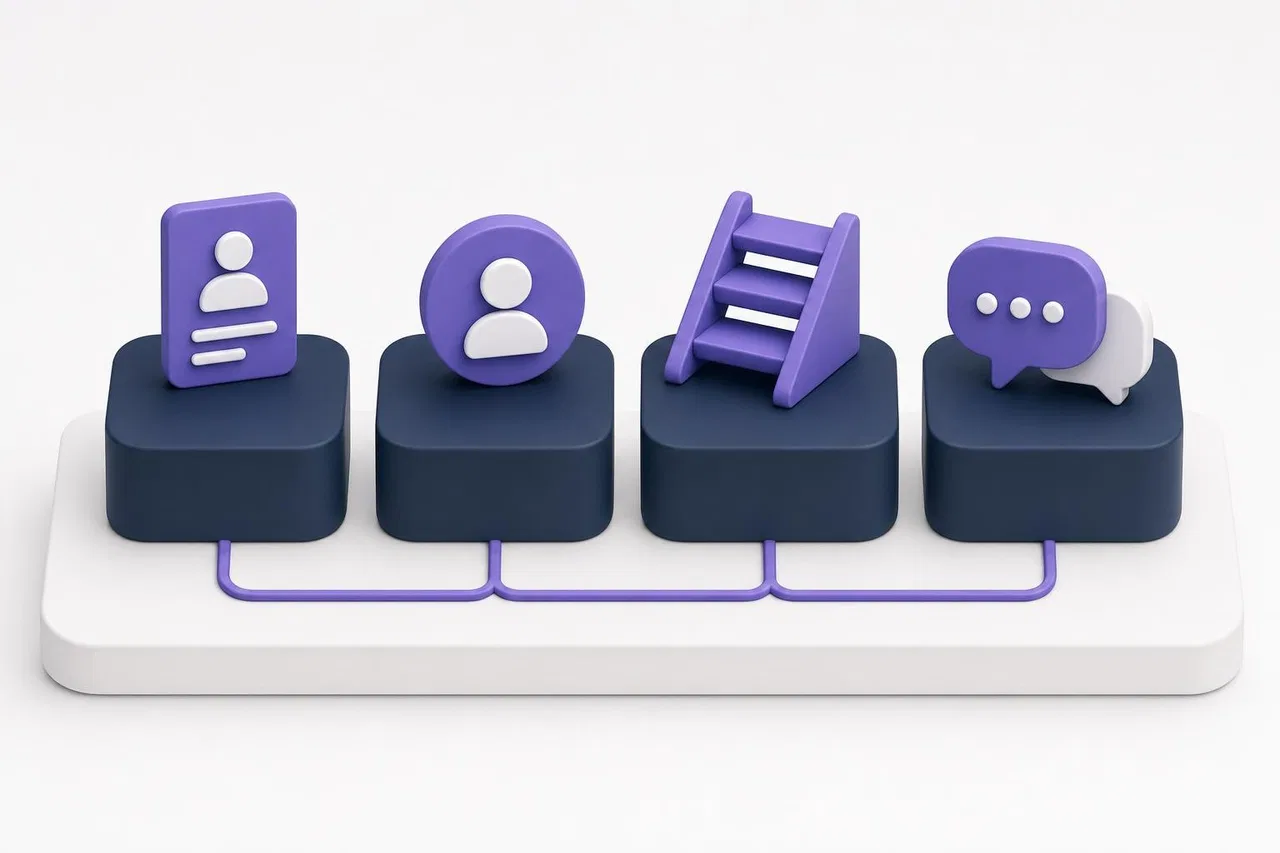
A CRM for small business needs only four things to pay off: one list of contacts and companies, a named owner for every customer and deal, a short set of stages that shows where each deal stands, and the full history of conversations in one place. Everything else (forecasting, lead scoring, marketing automation, AI agents) is optional until those four work every day. Most small teams that fail with a CRM did not buy too little; they configured too much.
This guide covers the minimum setup for a team of 2 to 20 people, what to leave out, a 30-day rollout plan, and how to tell whether a simple CRM is enough.

Why small businesses struggle with CRM
The pattern is familiar. Someone signs up for a powerful product, copies a 12-stage pipeline from a webinar, adds 40 fields, and asks the team to fill them in. Two weeks later the team is back in WhatsApp and a spreadsheet, and the CRM holds half-complete records nobody trusts.
Small teams have specific constraints:
Nobody's job is "CRM admin". Setup happens between customer calls.
Everyone does several roles. The person selling also delivers, invoices and answers support messages.
Customers write wherever is convenient for them. Website chat, Instagram, WhatsApp, email, a phone call.
Budget is per month, not per project. A $1,500 onboarding fee or a minimum seat count matters.
A simple CRM for small business respects these constraints. Here is what that means in practice.
The minimum viable CRM: four building blocks
1. Contacts and companies
One record per person and per company, with the fields you use: name, phone, email, company, and where they came from. Add one field that matters to your business, such as "location count" for a supplier to cafés or "project type" for an agency. That is it for day one.
Rule: one person, one record. Before you import, merge duplicates in your spreadsheet. Deduplicating inside the CRM later is slower.
2. Owners
Every contact, deal and open conversation has one responsible person. Not "the team", not "sales". When an owner is on vacation, ownership moves explicitly. This alone solves the most common small-business problem: two people calling the same customer, or nobody calling back.
3. Stages
Five to seven stages are enough for most small businesses:
Stage | Entry rule (example) |
|---|---|
New | A person asked about buying |
Qualified | We know what they need, roughly how much, and when |
Proposal | A price or quote has been sent |
Negotiation | They responded and we are agreeing terms |
Won | Paid or contract signed |
Lost | They said no or stopped responding; reason recorded |
Write the entry rule next to each stage and share it with the team. A deal moves forward only when the rule is met. Without rules, stages become moods.
4. Conversation history
Every message, call note and meeting linked to the contact. This is what makes a CRM useful for the second, third and tenth sale, and for anyone covering for a colleague. If your customers mostly write in messengers, look for a CRM or customer support tool that receives those messages directly instead of relying on copy-paste.
What to leave out (for now)
These features are useful later, but they slow a small team down at the start:
Lead scoring. With a few dozen leads a month, the owner can judge priority by reading them.
Complex forecasting. A pipeline board with deal amounts is a good enough forecast for most teams under 20 people.
Marketing automation suites. Email sequences, landing pages and segmentation can come from a separate tool when you have a list worth segmenting.
Custom objects for every idea. Add a new object type only when a real process needs its own fields and stages.
Many pipelines. Start with one. Split it when two kinds of deals truly follow different steps.
Autonomous AI agents. Start with an AI assistant that answers customers from your own content and hands over to a person. Let AI change records on its own only after you trust the data.
Simple CRM checklist for small business
Use this checklist when looking at products. If a product fails any of the first six, it is probably not a good CRM for a small team.
You can set up stages and fields yourself in under an hour.
Adding a contact or moving a deal takes a few seconds, including on a phone.
Every record shows its owner and its full history.
Customer messages from your main channels land in the same system, or a connected one.
Reminders for follow-ups and expected close dates work without setup scripts.
Import from CSV works with your real spreadsheet, and export gives you everything back.
Pricing is per person who actually works in the system; occasional viewers do not cost a full seat.
There is no mandatory onboarding fee or minimum seat count you cannot meet.
Permissions can hide sensitive fields, such as purchase prices, from some roles.
Templates exist for a sales pipeline so you do not design from a blank page.
For a broader buyer's process with weighted scoring and a trial scenario, see How to choose CRM software.
A 30-day rollout plan
Week 1: Decide and set up
Write your stages and entry rules on one page.
Pick the five to ten fields you will actually fill in.
Create the pipeline from a template, rename stages to match your page, delete what you do not need.
Clean your spreadsheet: one row per contact, consistent phone format, a "source" column.
Week 2: Import and connect
Import contacts and only the open deals. Archive closed history in a file; do not import years of noise.
Connect your website chat and the one or two messengers that bring most customers.
Invite the team. Give each person only the permissions they need.
Week 3: Work in it
Agree on one habit: after every customer conversation, update the deal's stage or next step before moving on.
Turn on two automations: a reminder before each expected close date, and a notification to the owner when a deal is assigned.
Hold a 15-minute pipeline review on Monday using the board, not a separate report.
Week 4: Review and trim
Look at which fields stayed empty. Delete or hide them.
Ask each person what they skipped logging and why. Fix the cause, not the person.
Check one report: deals by source, or loss reasons. If it answers a real question, keep it.
After 30 days you should have a CRM your team trusts. That is the right moment to add automation, more channels or AI.

Three small-business setups, side by side
The minimum model stays the same, but the details differ by business type. Here is how the four building blocks look in three common cases.
Business | Contacts and companies | Stages | Where conversations come from |
|---|---|---|---|
Agency of 6 people | Client companies with two or three contacts each | Brief, Proposal, Negotiation, Won, Lost | Email, calls, website form |
Online store with 3 people | Individual customers; no companies | Question, Order placed, Delivered, Repeat customer | Website chat, Instagram, WhatsApp |
B2B supplier with 12 people | Companies with buyers and accountants as contacts | New, Qualified, Sample sent, Proposal, Won, Lost | Calls, messengers, trade shows |
The store probably needs conversation history more than a pipeline; the supplier needs deal amounts and close dates; the agency needs projects after the deal is won. Start from the block that matters most to you and keep the others minimal.
Is a free or simple CRM enough?
Often, yes. Several vendors offer free tiers that cover a very small team: HubSpot's free CRM tools allow up to 2 users and 1,000 contacts, and Zoho CRM's free edition is free for up to 3 users (both as shown on their pricing pages in October 2026). Free tiers usually limit users, records, automation or support. Our comparison of free vs. open source CRM explains where those limits bite, and CRM software cost shows how to calculate what you will pay once you grow past them.
Signs you need more than a simple CRM:
More than one team works on the same customer and needs different pipelines.
Deals require approvals (discounts, contracts) that you track outside the CRM.
You need SLA tracking for support response times.
Customers expect answers outside working hours and you are considering an AI assistant.
How Sensever works as a small business CRM
Sensever is built around the idea that small teams should not need five tools to talk to customers and track the work. Here is what is available today.
Contacts, owners and stages in Flow. Create a workspace from the CRM template and you get Companies, Contacts, Deals and Activities, with owners (assignees), watchers and a deal pipeline: New, Qualified, Proposal, Negotiation, Won, Lost. The template includes a Pipeline board, "My deals" and "Lost deals" views, a calendar of close dates, a reminder a day before and on each deal's expected close date, and a shared Sales dashboard. You can rename stages and add or remove fields yourself. Workspace names, fields and statuses are created in your interface language (English or one of 21 other languages). See Flow: workspaces and templates.
Conversations in Requests. Add the Sensever widget to your website and connect Telegram, WhatsApp (Cloud API), Instagram Direct or MAX in the project settings. Customer messages arrive in Requests; your team replies from one window, the customer gets the answer in the channel they used. Requests can be assigned automatically to the least busy agent, sent to departments such as "Sales" and "Support", and annotated with internal notes. See Customer support: requests, team and routing.
After-hours answers. An optional AI assistant answers from your knowledge base and price lists and hands difficult conversations to your team in the same chat. You try it in a test chat first. See Project AI assistant.
Import and export. Load deals and contacts from a CSV file (up to 100,000 rows) and export any view back to CSV. Note that CSV import does not fill relation fields, so links between deals and companies are set in the app or through the Flow API.
What it costs for a small team. Flow is free for one person. The workspace owner pays $5 per month for each additional member who can edit data; people who only view are free. In Requests, the project owner is free and each additional member who answers customers is $9 per month. AI usage is $19 per million tokens, with a $5 minimum per project in months when AI is on. Example: an owner plus two colleagues working in Flow and answering customers costs 2 × $5 + 2 × $9 = $28 per month before AI and storage above 5 GB. Current prices are on sensever.com.
Limits worth knowing: a conversation in Requests does not automatically create a deal in Flow, and Flow's email feature sends notifications and digests to your team rather than syncing customer email.
FAQ
What is the best CRM for small business?
The one your team will update every day. For most small businesses that means a simple CRM with quick data entry, a short pipeline, reminders, and customer messages in the same place, priced per person who actually uses it.
How much should a small business spend on CRM?
Many small teams spend between nothing (free tiers) and a few dozen dollars per user per month. Watch for onboarding fees, minimum seat counts and AI add-ons, which can cost more than the seats.
Do startups need a CRM from day one?
Not necessarily. A spreadsheet works for the first few dozen deals. Move to a CRM when follow-ups are missed, more than one person talks to customers, or customers write in several channels.
How many fields should a small business CRM have?
Start with five to ten per record type. Add a field only when a decision or report needs it, and remove fields that stay empty after a month.
Can one tool handle both CRM and customer support?
For small teams, it often can. What matters is that conversations and deals share the customer's history, whether in one product or two well-connected ones.
How long does CRM setup take for a small team?
A working setup takes a day from a template. Getting the team into the habit takes about a month, which is why the rollout plan above is four weeks.
Conclusion
A CRM for small business is not a smaller version of an enterprise system. It is four habits made easy: one record per customer, one owner per deal, clear stages with entry rules, and every conversation in the history. Start there, run it for a month, and only then add automation and AI. If you need the basics first, read What is CRM.

Коментарі