

Conversational AI for Enterprise: Use Cases and Rollout Checklist
Conversational AI for enterprise means AI assistants that hold natural-language conversations with customers or employees across chat, messaging and voice, answer from company knowledge and systems, and hand over to people under defined rules. It pays off in high-volume, well-documented work such as customer service, IT and HR questions, and order or account lookups. The hard part isn't the model: it's knowledge ownership, safe integrations, access control and continuous quality review, which is why a staged pilot with explicit expansion criteria works better than a big-bang launch.

What makes enterprise conversational AI different
A small business can launch a website chatbot in an afternoon. An enterprise has the same technology but different constraints:
Many audiences. Customers, partners and employees, each allowed to see different information.
Many sources. Knowledge bases, document stores, CRM, order and ticketing systems, often with conflicting versions of the same policy.
Many channels. Website, app, WhatsApp and other messengers, phone, internal chat.
Accountability. Legal, security, privacy and works councils have a say. Every answer the assistant gives is the company's answer.
A conversational AI platform for this setting is less a "bot" than a layer that connects language models to knowledge, systems, people and controls.
Where conversational AI delivers in large organizations
Use case | Typical questions | Needs | Risk level |
|---|---|---|---|
Customer service | Delivery, returns, how-to, plan details | Clean public knowledge, handoff to agents | Medium |
Order and account status | "Where is my order?", "Is my booking confirmed?" | Read-only system access, customer verification | Medium–high |
IT helpdesk | Password resets, VPN, software requests | Internal knowledge, ticketing integration | Medium |
HR and policy questions | Leave, expenses, benefits | Access by role and country, privacy | High (personal data) |
Sales inquiries | Product fit, pricing tiers, demo requests | Qualification rules, CRM handoff | Low–medium |
Agent assist | Suggested replies and sources for human agents | Same knowledge, a human in the loop | Low |
Voice | Phone inquiries, appointment questions | Telephony integration, caller verification | High |
Start where volume is high, answers are written down and a wrong answer is easy to correct. Agent assist and customer-service FAQs are common first steps; anything that changes data or touches personal records comes later.
What the market is saying in 2025–2026
Three themes dominate the conversation among service and IT leaders.
Pressure to deploy is high. In a Gartner survey of 321 customer service leaders conducted in October 2025, 91% said they were under pressure from executives to implement AI in 2026, and 58% planned to upskill agents into knowledge management specialists (destinationCRM, reporting Gartner, February 2026). That second number is telling: knowledge work becomes a job.
Humans stay in the loop. Gartner predicted in September 2025 that no Fortune 500 company will fully replace human customer service staff with AI by 2028, and that by 2027, 50% of organizations that planned to cut service headcount significantly will abandon those plans (CX Today). Earlier, in March 2025, Gartner forecast that agentic AI would resolve 80% of common customer service issues without human help by 2029 (CX Today). Both can be true: most routine issues automated, people for the rest.
Many projects will be cancelled. Gartner also predicted in June 2025 that over 40% of agentic AI projects will be cancelled by the end of 2027 because of escalating costs, unclear business value or inadequate risk controls (Outlook Business). The rollout checklist below is designed around those three failure causes.
Requirement 1: Knowledge you can stand behind
The assistant can only be as current and consistent as its sources.
Name an owner per domain. Returns policy belongs to customer service, VPN instructions to IT. Owners approve changes and review gaps.
One source of truth per topic. Retire old PDFs; if two versions exist, the assistant can quote either.
Separate audiences. Public content, partner content and internal content must live in sources the system can tell apart.
Write for retrieval. One topic per section, a heading that matches how people ask, the answer first.
Version and review. Set review dates for policies that change (prices, terms, benefits).
Requirement 2: Integrations with least privilege
Integrations turn an FAQ bot into something that answers "my order" questions, and they widen the attack surface.
Read before write. Start with read-only lookups. Add actions (cancellations, refunds, record changes) only with limits, logging and, where needed, human approval.
Minimum fields. Pass the model only the response fields it needs to answer, never full records.
Keys stay out of prompts. Credentials should be added by the platform on the server side, encrypted, and never visible to the model.
Network boundaries. The platform should refuse internal addresses and redirects to other hosts.
Assume prompt injection. The OWASP Top 10 for LLM Applications 2025 ranks prompt injection first and recommends least-privilege access, deterministic checks on outputs and human approval for high-risk actions.
Plan for third-party compromise. In August 2025, attackers used OAuth tokens stolen from the Salesloft Drift chat integration to export data from many companies' Salesforce instances. Google's threat intelligence team recommended revoking and rotating all connected credentials and restricting app scopes to the minimum. Keep an inventory of every integration's scopes and a tested way to revoke them.
Requirement 3: Access control that follows the person
The most dangerous enterprise failure is an assistant that tells someone what they shouldn't know.
Answer with the asker's permissions, not the assistant's. If an employee can't open a document, the assistant shouldn't quote it to them.
Consider the audience. In a group chat, only content visible to everyone present should be used.
Verify before personal data. A phone number shown as caller ID or an email typed into a chat doesn't prove identity. Define what counts as verification for each data type.
Limit who configures the assistant. Knowledge, integrations and channel settings should be changeable by a small set of admins, with changes visible.
Control channel access for staff too. Not every agent needs every channel's conversations.
Requirement 4: Quality control as a routine
A regression test set. 100–300 real questions per domain, with expected behavior: correct answer, clarifying question, "I don't know," or handover. Rerun after every material change.
Sampling. Review a fixed share of live conversations weekly, plus all handovers and complaints.
Clear metrics. Containment (handled without a person), correct-answer rate in review, handover rate and reasons, time to human reply after handover, cost per conversation.
Red-teaming. Regularly try to make the assistant reveal internal data, change its rules, or promise things it can't.
Transparency and disclosure. Since August 2, 2026, the EU AI Act's transparency rules apply: users "must be clearly informed when they are not interacting with a real person" (European Commission). Check the requirements for every market you serve with your legal team.
Liability awareness. In Moffatt v. Air Canada (February 2024), a tribunal held the airline responsible for a refund rule its chatbot invented (Law360 Canada).
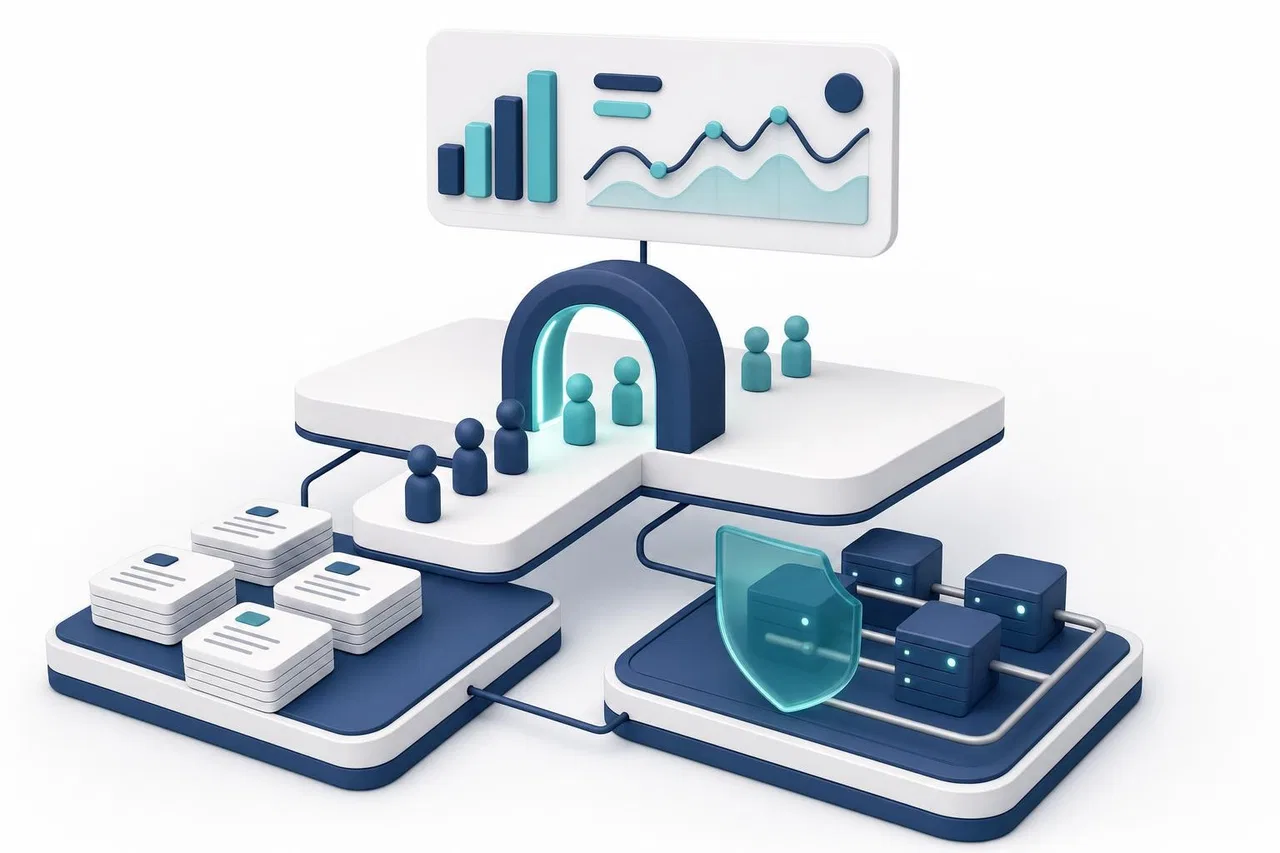
The rollout: four stages with exit criteria
Stage 0: Readiness (2–4 weeks)
Pick one use case and one audience.
Assign knowledge owners; clean and restructure the sources.
Build the test set from real conversations.
Agree on out-of-scope topics and handover triggers.
Security review of the platform and each integration.
Exit when: sources are approved, the test set exists, and legal and security have signed off on the scope.
Stage 1: Internal or shadow mode (2–3 weeks)
Employees ask the assistant real questions, or it drafts answers that agents review before sending.
Score every answer against the test set and live samples.
Exit when: the correct-answer rate on the test set meets your target, there are no answers that reveal restricted content, and handovers trigger reliably.
Stage 2: Limited live pilot (4–6 weeks)
One channel, one language, defined hours, with agents ready to take over.
Weekly review of samples, all handovers and complaints; fix materials, not just answers.
Exit when: quality holds on live traffic for several consecutive weeks, customer complaints about the assistant stay low, human reply times after handover meet your service level, and cost per conversation is within budget.
Stage 3: Expansion
Add one dimension at a time: another channel, another language, another use case, then read-only integrations, and only then actions.
Expansion criteria at a glance
Criterion | Question to answer before expanding |
|---|---|
Accuracy | Does the correct-answer rate hold on live samples, not just the test set? |
Safety | Zero cases of restricted content revealed; red-team findings fixed? |
Handover | Do triggers fire reliably, and do people pick up in time? |
Knowledge | Is every gap found in the pilot fixed in the source, with an owner? |
Cost | Is the cost per conversation predictable in a busy week? |
Adoption | Do agents trust it, and do they use the handover context? |
Compliance | Is disclosure in place for every market in the next stage? |

How Sensever helps
Sensever is a messenger with built-in customer requests, an AI assistant and a work management section (Flow). It fits mid-size teams and individual business units more naturally than a company-wide enterprise platform, so here is what it covers today and what it doesn't, based on the project assistant reference, data connectors, channel access and the virtual assistant overview.
What it covers:
Knowledge with ownership boundaries. The assistant answers from articles in channels its bot is a member of and from files and tables added to the project. Answers use the intersection of permissions: what the bot can read, what the person asking can read and, in a group, what everyone present can read.
Read-only integrations with guardrails. Data connectors call your API with GET or read-only POST. Keys are stored encrypted and never reach the model; only public HTTPS addresses are allowed, internal and private networks are refused, redirects to other hosts are refused, and calls have timeouts and per-minute limits. A 30-day call log records results without storing parameter values or response bodies.
Configuration by owners and admins only. Agents can't change the assistant, its knowledge or connectors.
Staff access by channel and department. "Channel access" decides who on the team sees each channel's requests, and "AI answers in this channel" switches the assistant off per channel, which suits a one-channel pilot.
Testing and usage visibility. The "Test chat" shows sources, tool calls, handover decisions and tokens per question; project statistics show input, output and cached tokens by model.
Handover rules. Explicit assignment or an agent's reply pauses the assistant; an AI reply doesn't count as the first human reply for SLA purposes (customer support guide).
Voice. A project assistant can answer phone calls through a SIP extension on your own PBX (phone calls guide); the landing page lists $0.50 per minute of conversation.
API. An HTTP API with permission-scoped keys reads chats, sends messages and works with Flow (API overview).
What it doesn't cover, or doesn't document publicly: connectors can't perform write actions yet; the built-in assistant uses an xAI (Grok) model with no choice of model; and the public documentation doesn't describe single sign-on (SSO/SAML), compliance certifications or a choice of data region. If those are requirements, confirm them with Sensever before planning around them.
Pricing per the landing page: $9 per month per additional team member answering customers (the owner is free), AI at $19 per million tokens with a $5 minimum per project in months the AI is used, $5 per month per additional Flow member who can edit, and storage above 5 GB at $0.04 per GB per month.
FAQ
What is conversational AI for enterprise?
It's the use of AI assistants that converse in natural language with customers or employees across channels, answer from company knowledge and systems, and escalate to people, with enterprise controls for access, security and quality.
What's the difference between conversational AI and a chatbot?
A chatbot is one product; conversational AI is the broader capability, including voice, multiple channels, integrations and agent-assist tools. In practice the terms overlap.
Where should an enterprise start?
With one high-volume, well-documented use case, such as customer-service FAQs or agent assist, in one channel and one language, after cleaning the knowledge sources.
How long does an enterprise pilot take?
Roughly two to three months from readiness to a stable limited live pilot, depending on knowledge quality and security reviews.
Should the assistant be allowed to take actions?
Not at first. Start read-only, prove accuracy and access control, then add actions with limits, logging and approvals.
How do we measure success?
Track the correct-answer rate in reviewed samples, containment, handover reasons and speed, customer complaints about the assistant and cost per conversation, and compare them against a pre-pilot baseline.
Conclusion
Conversational AI for enterprise succeeds when it is run like a service, not installed like a widget: owned knowledge, least-privilege integrations, permissions that follow the person, routine quality review and disclosure. Pilot one use case, set exit criteria for each stage, and expand one dimension at a time. Related reading: AI assistants for business, how to introduce AI customer support with a pilot and omnichannel messaging.

Izohlar