Game Graphics: Leveling Up Real-Time Rendering

I design real-time visual experiences and love pushing the limits of ray tracing and 3D rendering for interactive graphics.
Game graphics have never been more exciting—or more technically demanding! Whether you’re building a small indie project or working on a blockbuster title, the challenge is always the same: how do you make your game look fantastic and run smoothly? As a 3D graphics engineer, I’ve spent years fine-tuning rendering pipelines, wrangling shaders, and squeezing every last drop of performance out of GPUs. Let’s dive into the core techniques and strategies behind modern game graphics, from real-time ray tracing to practical asset optimization. Performance, meet style.
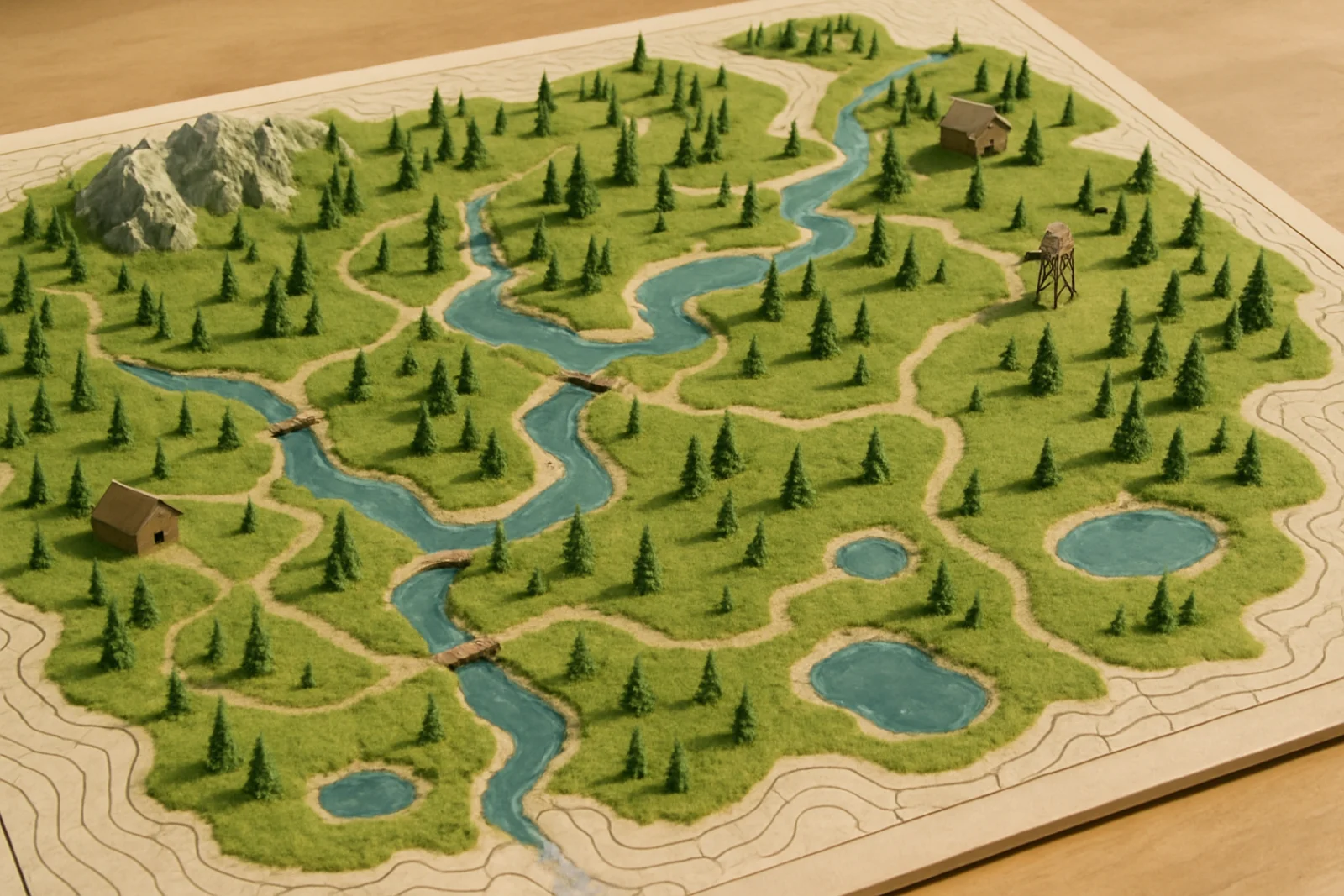
Real-Time Rendering: The Heartbeat of Modern Game Graphics
When players interact with your game world, they expect instant feedback—stunning visuals at 60+ FPS. That’s the essence of real-time rendering. Unlike offline rendering (used in CGI for movies), game engines must compute lighting, shading, and animation in mere milliseconds.
Key ingredients:
Forward rendering vs. deferred rendering: Forward rendering is simple and great for transparency, while deferred rendering excels at handling many lights and complex scenes.
Dynamic lighting and shadows: Techniques like shadow mapping and cascaded shadow maps bring worlds to life, but optimizing them keeps your frame rate healthy.
Post-processing: Effects like bloom, depth of field, and color grading add polish, but can be GPU-intensive. Profile, optimize, and consider toggles for lower-end hardware.
Let’s make those shaders shine: Experiment with screen-space reflections or ambient occlusion, but always measure their impact on performance—every millisecond matters.
The Power of Shaders: Beauty in Code
Shaders are tiny programs running on the GPU, transforming geometry, simulating materials, and creating special effects. If you want your game graphics to stand out, mastering shaders is essential.
Types of shaders you’ll encounter:
Vertex shaders: Manipulate geometry data—great for procedural deformation or animation.
Fragment (pixel) shaders: Control how each pixel is colored, textured, and lit.
Compute shaders: Flexible, powerful tools for tasks like global illumination or particle simulation.
Hands-on tip:
Want metallic surfaces that pop? Use physically based rendering (PBR) principles in your fragment shaders: think albedo, metalness, roughness, and proper Fresnel effects. Game tech meets creativity.
Ray Tracing in Real Time: Next-Gen Visuals Explained
Real-time ray tracing has transformed what games can show: natural reflections, refractions, and global illumination are now possible in interactive worlds.
How it fits in:
Hybrid rendering: Most games blend rasterization for speed and ray tracing for high-impact effects like reflections or shadows.
Acceleration structures: Modern GPUs use bounding volume hierarchies (BVH) to make ray tracing fast enough for games.
Actionable tip:
Start with ray-traced shadows or reflections. Profile your scene, tweak denoising, and give players the option to enable or disable ray tracing features depending on their hardware. Push your visuals further.
3D Asset Optimization: More Detail, Less Drag
Amazing models and textures are only useful if they don’t bog down your frame rate. Smart asset optimization makes a huge difference:
Level of Detail (LOD): Use lower-poly versions of models for distant objects.
Texture atlases: Combine textures to reduce draw calls and improve batching.
Mesh simplification: Tools like Simplygon or built-in engine solutions can automate this.
Compression: Use GPU-friendly formats (e.g., BC7 for textures, Draco for geometry) without sacrificing too much quality.
Personal tip:
I’ve seen a well-managed LOD system boost open-world performance by 30%—all without noticeable visual loss. That’s the kind of upgrade both artists and players can cheer for.
Rendering Pipeline Best Practices
Every engine has its unique quirks (Unity, Unreal, Godot, custom C++ madness…). But a strong rendering pipeline is always about balancing ambition with performance:
Profile constantly: Use in-engine profilers and GPU debuggers to find bottlenecks.
Batch draw calls: Minimize state changes and leverage instancing.
Use async compute: Offload work like post-processing or ray tracing to keep the pipeline flowing.
Expose options: Let players tweak visual settings for their hardware; scalability is key to accessibility.
Conclusion: Building Stunning and Efficient Game Graphics
Creating beautiful, smooth, and responsive game graphics is equal parts technical challenge and creative pursuit. By understanding real-time rendering techniques, crafting effective shaders, exploring ray tracing, and optimizing your 3D assets, you’ll be well-equipped to deliver visuals that dazzle without tanking performance. Remember: every millisecond matters, and every pixel is an opportunity. Ready to push your visuals further? Fire up your engine, tune those shaders, and show the world what your game can do!
Disclaimer: Graphics APIs, engines, and hardware evolve rapidly. Always test techniques and code samples with your current toolset and target devices. Performance may vary on different setups.
Loading…