Level Up Your Game Graphics: Real-Time Rendering, Shaders, and Optimization

I design real-time visual experiences and love pushing the limits of ray tracing and 3D rendering for interactive graphics.
Welcome fellow devs and digital artists! Game graphics have come a long way—from pixel sprites to jaw-dropping, hyper-realistic worlds rendered in real time. But delivering stunning visuals isn’t just about flashy tech; it’s about smart choices, efficient pipelines, and the artistry behind every pixel. Ready to push your visuals further? Let’s dive into the essentials of modern game graphics with actionable insights from a rendering engineer’s toolbox.
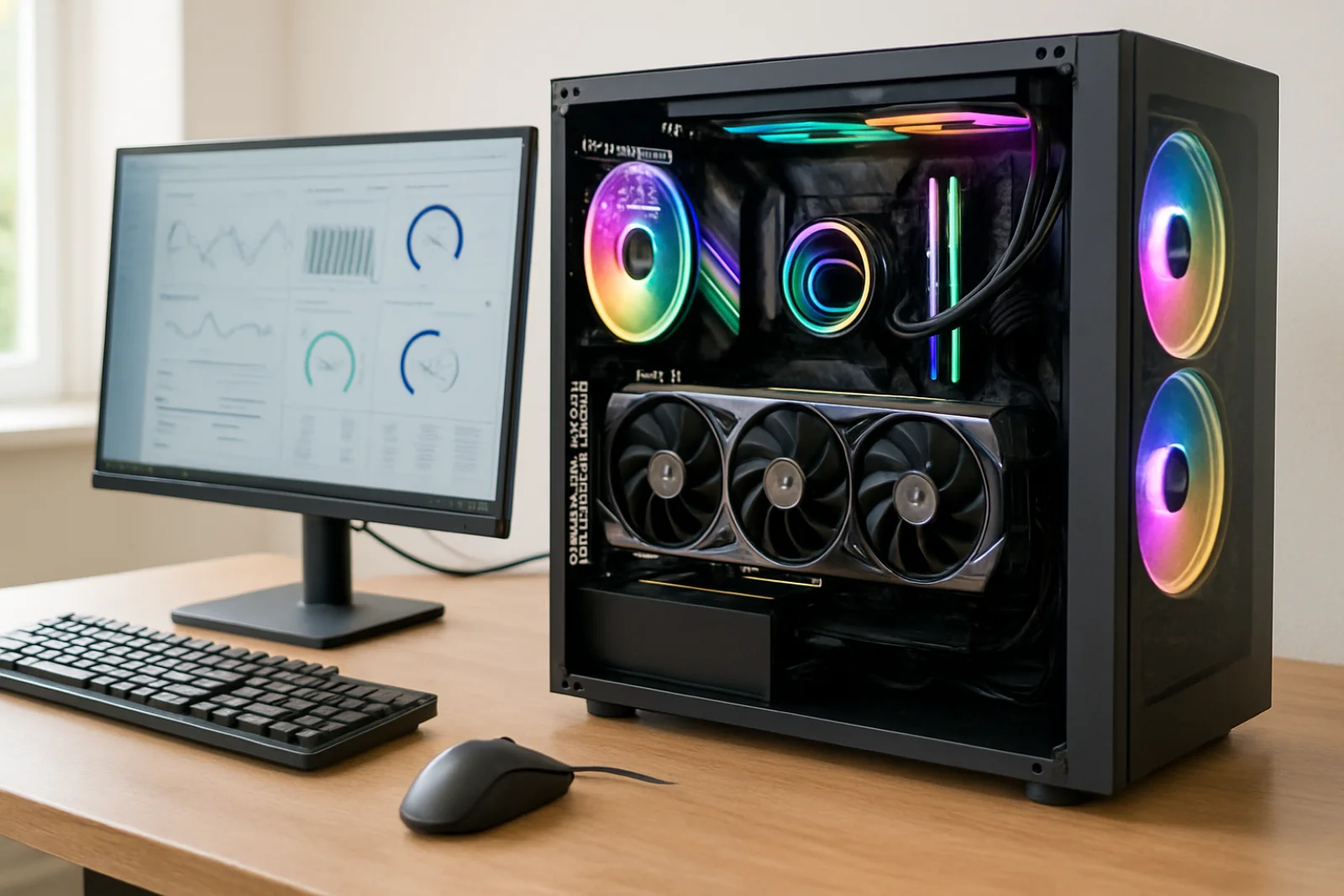
Real-Time Rendering: The Beating Heart of Game Graphics
Real-time rendering is what gives games their interactivity and visual appeal. Unlike offline rendering (think animated films), everything needs to happen in milliseconds. Here’s what you need to keep in mind:
1. Balance Quality and Performance
Every millisecond matters. The goal is smooth, immersive visuals without sacrificing frame rates. Use Level of Detail (LOD) systems to swap in lower-poly models at a distance, and implement culling techniques (like frustum and occlusion culling) to avoid drawing what’s not seen.
2. Pipeline Choices Matter
Modern engines like Unreal and Unity let you choose between forward and deferred rendering. Forward rendering is more straightforward and great for simpler scenes or VR, while deferred excels with lots of dynamic lights and complex materials.
3. Embrace Physically Based Rendering (PBR)
PBR has become the standard for creating realistic materials. It simulates how light interacts with surfaces—metallic, rough, smooth—all with a set of intuitive texture maps.
Shaders: The Secret Sauce
Shaders are tiny programs running on your GPU that dictate how everything looks and feels. Want glowing forcefields or realistic skin? That’s the magic of shaders!
Vertex Shaders manipulate geometry—think water ripples or waving grass.
Pixel (Fragment) Shaders determine the final pixel color—lighting, texturing, even post-processing effects like bloom.
Hands-On Tip: Start Simple, Then Iterate
If you’re new to shader programming, start with basic unlit shaders, then add features like normals, lighting, and environment reflections. Tools like Shader Graph (Unity) or Material Editor (Unreal) are great for visual prototyping before diving into HLSL or GLSL code.
Let’s make those shaders shine.
Real-Time Ray Tracing: Next-Gen Light and Shadows
Ray tracing isn’t just for Hollywood anymore. With modern GPUs, you can integrate real-time ray tracing for reflections, global illumination, and soft shadows. Here’s what to consider:
Hybrid Rendering: Blend rasterization and ray tracing—use raster for the bulk, ray tracing for key effects.
Performance Costs: Ray tracing is heavy! Limit resolution or sample count and leverage denoising techniques.
APIs: Explore DirectX Raytracing (DXR), Vulkan RT, or NVIDIA’s RTX extensions. They evolve rapidly, so stay updated and check compatibility with your target audience’s hardware.
3D Asset Optimization: Keeping It Fast and Pretty
Beautiful models are great, but not at the cost of performance. Here’s how to optimize your 3D assets:
Reduce Poly Count: Use only as many polygons as necessary. Tools like Simplygon or Blender’s Decimate modifier help.
Mipmap and Atlas Textures: Generate mipmaps for your textures and pack multiple textures into atlases to reduce draw calls.
Compress Textures: Use modern compression formats (BCn, ASTC, etc.) to balance memory usage and quality.
Performance, meet style.
Smart Rendering Techniques for Modern Engines
Instancing: Draw lots of similar objects efficiently—think forests or armies—by sending less data each frame.
Async Compute: Run graphics and compute shaders in parallel for effects like GPU-based particle systems.
Dynamic Resolution Scaling: Adjust resolution on-the-fly to maintain smooth framerates under heavy loads.
Quick Example: GPU Particle Systems
Want thousands of particles (sparks, embers, snow) at once? Offload calculations to the GPU using compute shaders, freeing up valuable CPU time for gameplay logic.
Keep Your Pipeline Agile
Game tech moves fast. Build your pipeline so you can test and swap new rendering features quickly. Modular shaders and scriptable rendering (like Unity’s SRP or Unreal’s custom render passes) make it easier to experiment without breaking everything.
Conclusion: Your Move!
Game graphics are a blend of artistry and engineering. With the right mix of real-time rendering techniques, smart shader programming, and asset optimization, you can craft visuals that not only impress but also perform. Remember to keep learning—the tools and APIs evolve quickly, and what’s bleeding-edge today will be mainstream tomorrow.
Push your visuals further. Whether you’re tweaking shaders, optimizing meshes, or experimenting with ray tracing, just remember: every millisecond matters. If you’re ready for a deep dive or specific hands-on tutorials, drop your questions below. Game tech meets creativity—let’s see what you’ll build next!
---
_Disclaimer: Graphics APIs, tools, and performance characteristics can change rapidly. Always verify code samples and workflows with current engine versions and hardware to ensure compatibility and the best results._
Loading…